AI search readiness, checked on the page you are on
Audit the page you are on across nine modules, right in the Chrome side panel. In a CMS editor it also generates structured data, metadata and FAQs you can paste straight in.
Detailed reports, easy fixes
Audit and fix on the same screen
What VIVI gives you
Audit, generate and apply, all from one side panel
Page audit
A nine-module check covering AI crawler access, structured data, metadata and citation trust, with a score out of 100, a grade and a verdict.
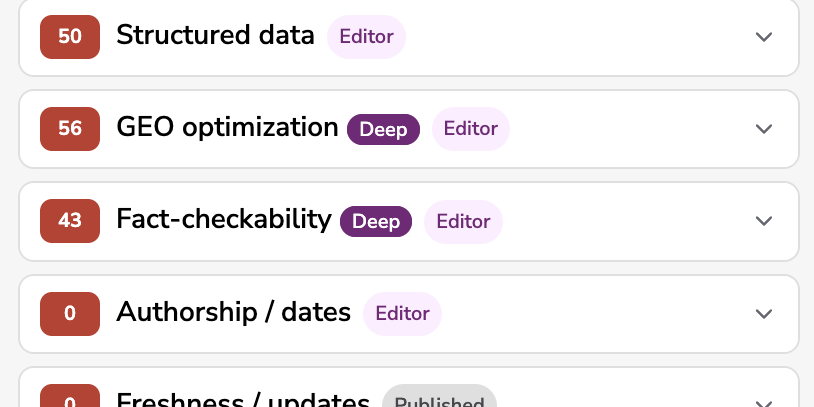
Deep analysis
Published pagePaid licenseAdds Core Web Vitals and AI quality evaluation, then recalculates the GEO, fact-check and structure modules. Requires a public URL.
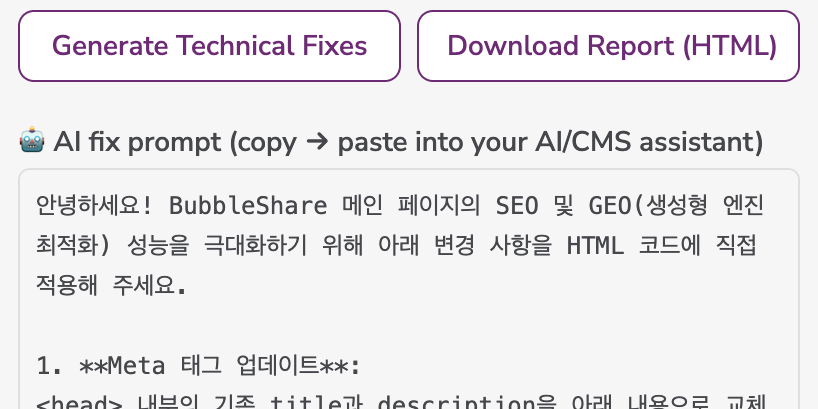
Technical fixes
EditorGenerates JSON-LD, titles and meta descriptions in the editor.
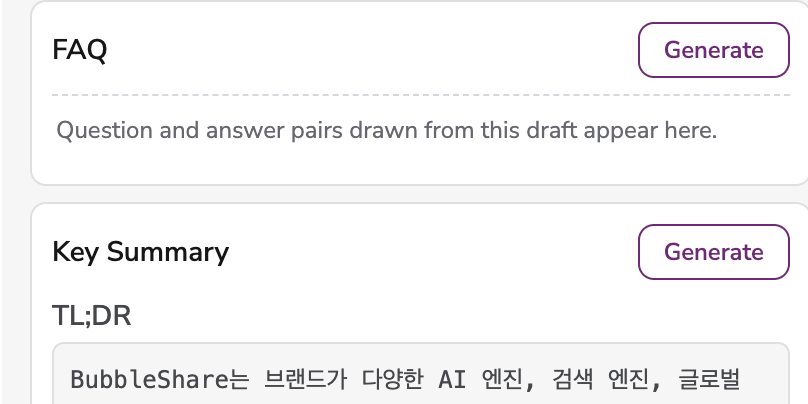
Content generation
EditorGenerates FAQs, key summaries, supporting paragraphs, and title and description copy, each in its own block in the editor.
In-page assistant
Rewrites selected text and inserts generated text at the cursor in supported editors.
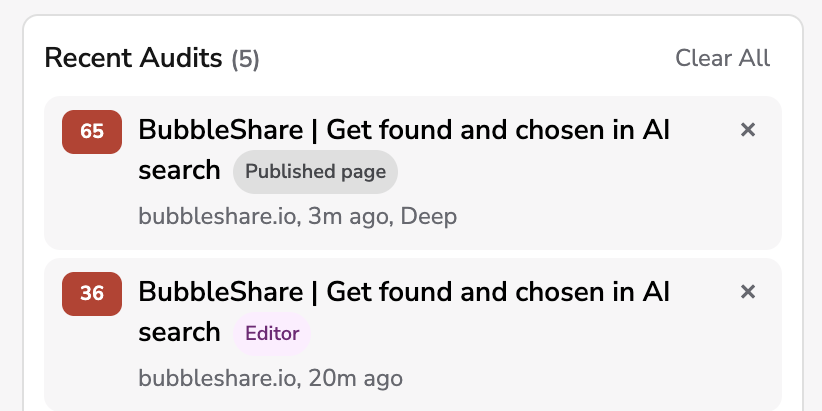
History and reports
Keeps your 40 most recent audits in the browser and downloads a self-contained HTML report.
HOW IT WORKS
From install to first audit
Four steps
Install
Add VIVI Content Assistant from the Chrome Web Store.
Verify
Press Start Free in the panel and verify your email. Free credits every month, no card required.
Audit
Open the page you want to check and run Audit This Page. You get a score out of 100 and a verdict per module.
Generate
On an editing screen the panel shows Audit Editor Content; running it opens technical fixes and content generation.
Email entry and the verification code happen on the VIVI website. The extension itself never collects your email.
Free credits every month, no card required
Verify your email and start auditing pages and generating content right away.
Frequently asked questions
Verify your email and you get free credits every month for page audits and content generation. Deep analysis, image generation and the VIVI dashboard integration are part of the paid license.
Auditing a published page gives you the score, deep analysis and the report, but not generation. Generation is grounded on the draft you are writing, so it opens when you run Audit Editor Content on an editing screen.
Only when a feature runs and produces a result. The base audit costs 1 credit for Audit Editor Content and 2 for Audit This Page on a published URL. Reopening a saved report is free.
No. There is no checkout inside the extension; it runs only on the token issued to you. Credits and licenses are managed on the VIVI website.
The current page URL is sent only when you invoke a feature. In-page generation sends your instruction, selected text and limited page and editor context only after you explicitly request it. Your token and recent audits are stored in Chrome extension storage.
Chrome 114 and above.
Enter the extension token from your administrator or license in the settings screen to unlock everything.